ProjectBodyText
Narrative body copy between media blocks.
Designed for narrative flow between media modules. Keep this block comfortable and readable, then let images carry detail.
This page is the single source of truth for site components, tokens, and signed-off patterns. Tapico (/tapico) is the reference case study; Home, Work, and Play define the vetted portfolio grid. Other project routes are legacy Webflow migrations — do not copy their markup when building or porting content.
The page itself
Subtly raised — panels, soft button fills
Filled control that reads as a shape with no border
Strongest normal surface — pressed states
Deliberately opposes the page — solid buttons
Default ink
Secondary ink — menu links, subtle emphasis
Muted ink — captions, field labels
Ink sitting on inverse-srf
Visible edge — button rings, dividers
Quieter hairline — separators
Danger accent
Danger surface
Ink on a danger surface
Default link
Softer link
Hover for softer links
Used for narrative sections. Keep width around 52-62ch so dense process writing remains easy to scan.
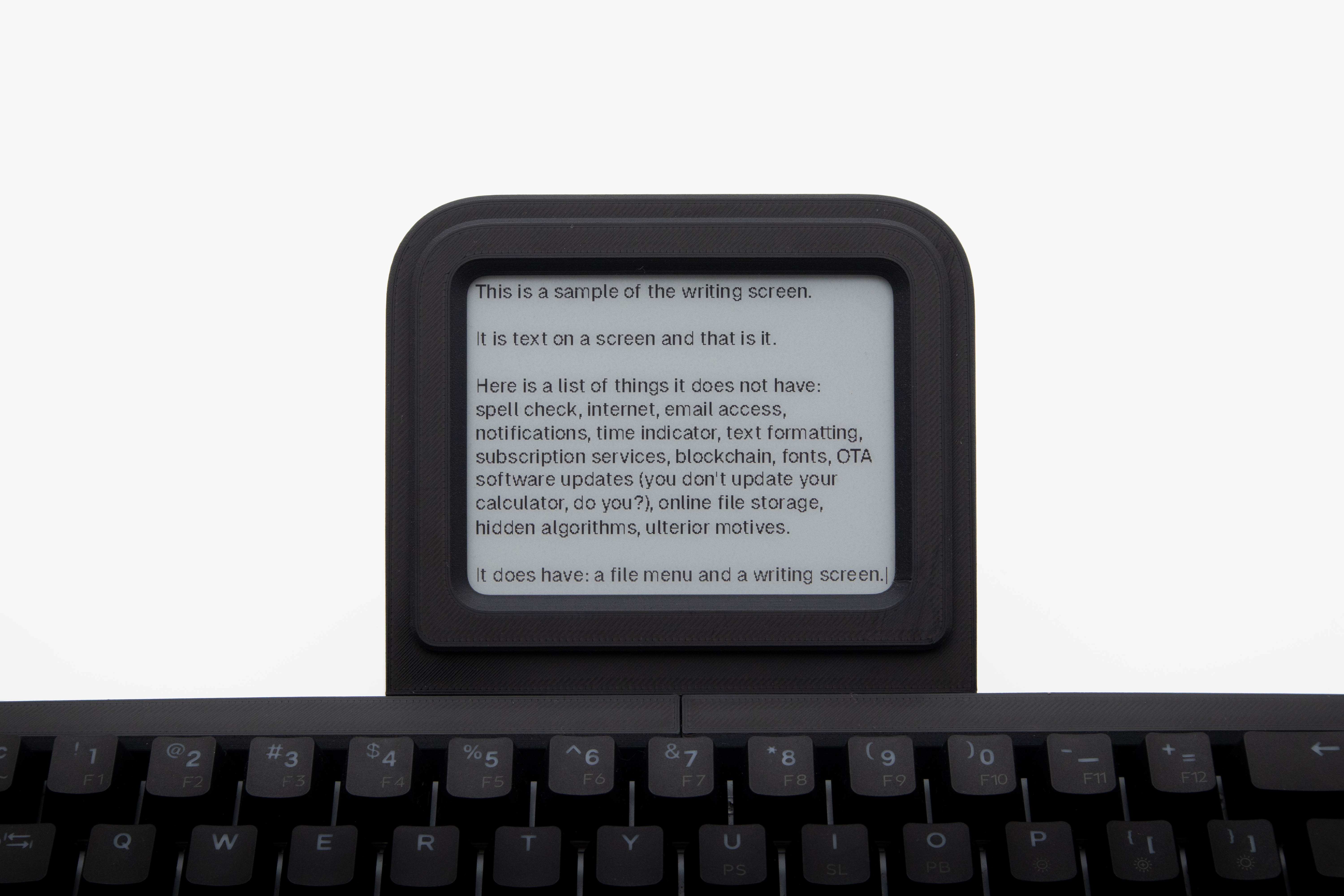 Foam model before final chamfer direction
 One gap between sections (related / group / section / major). Blocks do not pad top and bottom.
Keeps content comfortable at every size while preserving edge breathing room.
Build gutter, chrome padding and gaps on the unit before introducing custom values. Phones step it down together so nothing drifts out of sync.
Shared entry/exit timing from `Layout.astro`; enter waits for viewport images.
21 signed-off components and patterns across site chrome, portfolio listings, and project pages (vetted on Home/Work/Play + Tapico). Each is built for reuse on future case studies. Cards show a live preview, source file, props, and where it is used today.
Global nav, wordmark swap on inner pages, menu overlay.
Rendered at the top of this page.
Copyright line anchored to page bottom.
Rendered at the bottom of this page.
Scroll-spy section nav for long single-column pages.
Fixed nav on the left of this page (desktop).
Project/play listing grid on Home, Work, and Play — cover cards with hover title reveal and optional cover→hover image fade.
Case-study page shell: Layout + Header + main slot + Footer + project.css.
Wraps project pages — see any case study (e.g. Tapico).
Narrative body copy between media blocks.
Designed for narrative flow between media modules. Keep this block comfortable and readable, then let images carry detail.
In-page section break heading (Research, Process, etc.).
Horizontally scrolling press quotes with outlet logos.
Masonry board of Reddit-style comment cards with vertical paging.
Single project image — lead/crop (variant) or inline media between prose, with optional captions (overlay or below-image).
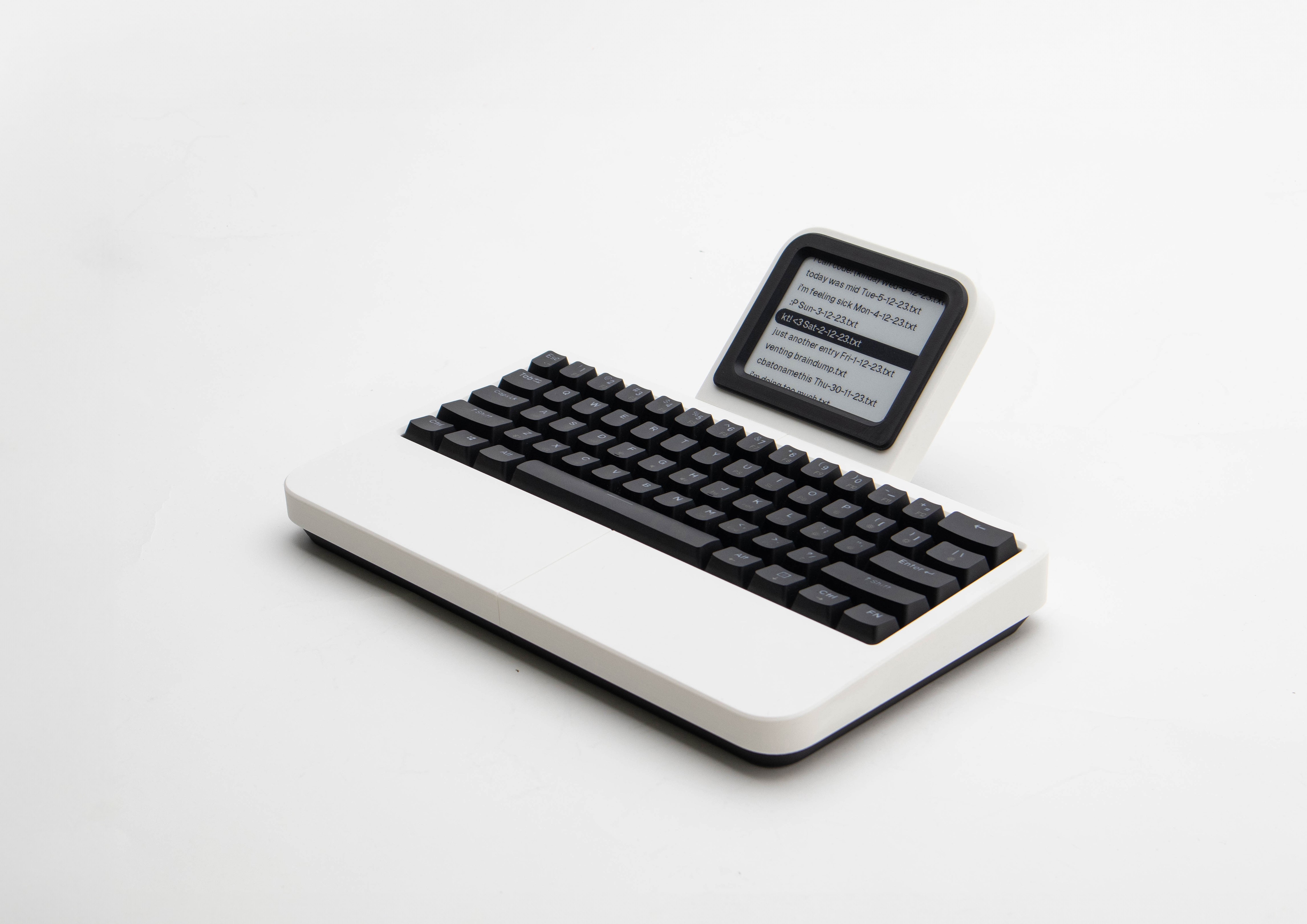
Responsive multi-image grid with per-cell crop and captions.
Self-hosted video player (media-chrome) with a centred play affordance and a minimal seek bar — no embed, no skin.
JSON shape: type: "video" with src, poster?, alt?, autoplay?, aspectRatio?, spacing?. Video files live in public/videos/ — sample.mp4 isn't in the repo yet, so this preview shows the player
chrome over a black frame (no video to decode) until one is added.
Presentational button primitive mirroring the Figma Button (Emphasis × State).
Presentational shell mirroring the Figma Segmented Control — composed examples below (Viewport Selector, Axis Selector) show a selected segment; selection state and wiring stay with the caller.
Outer chrome shell (header + body) mirroring the Figma DevPanel Base — used to build dev-mode panels.
Body content
Shared label-over-value shell mirroring the Figma Field Base — every field-like control composes on top of it.
Text input composed on Field — mirrors the Figma Text Field.
Multi-line text input composed on Field — auto-resizes to typed content, with a native vertical drag handle.
Select input composed on Field — uses the system’s native select picker.
Labelled checkbox row mirroring the Figma Toggle Row.
Layout wrapper for a trailing row of Button instances, mirroring the Figma Panel Actions composition.
Raw markup still present on older Webflow-migration case studies. These are not signed off — do not copy into new pages or when porting content to Tapico-style layouts.
Used on: The Rams, Conic Collection. Legacy case-study image clusters via legacy/LegacyProjectGrid.astro — not the home/work/play portfolio grid.
Used on: The Rams, Conic Collection. Tall two-image stack inside a 5-column grid. Legacy only — not used on Tapico.
Used on: Conic Collection. Desktop grid cell hidden on mobile, alternate full image shown instead. Legacy only.
Used on: Conic Collection. Superseded by ProjectImage with caption props. See legacy/LegacyProjectCaptionedImage.astro.
Hover tone should stay subtle. This link uses the same transition behavior as inline project links: read case-study details.


This is exactly the kind of focused writing device I’ve been looking for.
Love the tactile keys and the e-ink screen. No distractions.
This is exactly the kind of focused writing device I’ve been looking for.
Love the tactile keys and the e-ink screen. No distractions.
This is exactly the kind of focused writing device I’ve been looking for.
Love the tactile keys and the e-ink screen. No distractions.
This is exactly the kind of focused writing device I’ve been looking for.
Love the tactile keys and the e-ink screen. No distractions.
This is exactly the kind of focused writing device I’ve been looking for.
Love the tactile keys and the e-ink screen. No distractions.
This is exactly the kind of focused writing device I’ve been looking for.
Love the tactile keys and the e-ink screen. No distractions.
Love the tactile keys and the e-ink screen. No distractions.
This is exactly the kind of focused writing device I’ve been looking for.
Love the tactile keys and the e-ink screen. No distractions.
This is exactly the kind of focused writing device I’ve been looking for.
Love the tactile keys and the e-ink screen. No distractions.
This is exactly the kind of focused writing device I’ve been looking for.